
Use case
Ad creatives for a local shop
After a purchase at the counter the customer gets a link to a short recording and a code for the next purchase. The video shows the product and the visit, not a stock photo. Publication starts with your approval.
A QR code at the counter, or an SMS after the receipt
The simplest moment is handing over the bag. A QR code sits on the counter, and the same link is on the receipt or on a card in the bag. The customer records immediately if they have a minute, or later at home. Send an SMS only when they gave the number at the till for that message. Do not buy a list of numbers, and do not message people who visited a week ago.
If the shop also sells online, the same idea can send an email after the order. WooCommerce sends it from the store after payment or the completed status, with a delay of 1–10 days. Shopify counts the delay from fulfillment, also 1–10 days, and the message goes out in the shop's name. Shoper starts from the paid order, with a delay of 0–90 days. At the counter you still use the QR code. Do not mix the two paths in one message.
Wait until the receipt is printed. One request per visit.
Thank you for shopping at Skład M. If you want to record about 20 seconds about what you bought, open https://zaply.me/r/sklad-m. The code for your next purchase pays for a licence to the recording. You receive it even if we do not show the video.
Three prompts about the product
You pick up to three prompts from the catalog. For a local shop, use the ones about the purchase, what the customer is holding, and one detail. Do not ask whether they recommend the shop, what they liked most, or why they chose this store. Do not ask them to introduce themselves.
A line about sensitive data always stays on the screen. Leave it there. A prompt can invite a close look at the product without a face. The lines below are the direction. The phone shows the catalog text.
- Say what you bought and what the product is for.
- Describe the in-store purchase from the door to the receipt, and what you picked up.
- Show the product up close and say what is visible: material, size, or colour.
A discount that brings them back
A typical in-store code is 10% off the next purchase, or a fixed amount off a bill above a threshold you choose. Set the amount so the till can apply it without a manager. The code can go out right after the recording or after you approve the video.
It pays for the licence, not for a pleasant tone. The cashier does not refuse the code when the description is plain or critical. You may leave the video unpublished and the code is still due when the reward is set that way. That is what the setting does.
Where to show the recording
On the shop site the video sits by a category or by the product if you also sell online. Stories and Reels use 9:16. A local Meta ad uses the 4:5 file only with ads consent. Social-only consent keeps Reels and does not cover a paid campaign.
You fill the Google Maps listing yourself with the downloaded file. Zaply does not publish there. A selected video does not replace text reviews and must not be captioned as the complete set of opinions about the shop. Dashboard approval comes before any public use.
- The shop page or product card, 16:9.
- A story and a Reel in 9:16.
- A local Meta ad in 4:5, only with ads consent.
- The Google Maps profile, uploaded by hand.
One visit, one recording
Any customer you ask at the till can record. You do not sort people by whether they left smiling. A critical, lawful, playable description is not hidden so the published set looks complete.
Before recording, the customer accepts the terms and the scope. They confirm they are at least 18. Without that, the file and the code do not go out. Editing adds captions, the logo, and a short end card with the shop name when it is in the profile.
Example frame
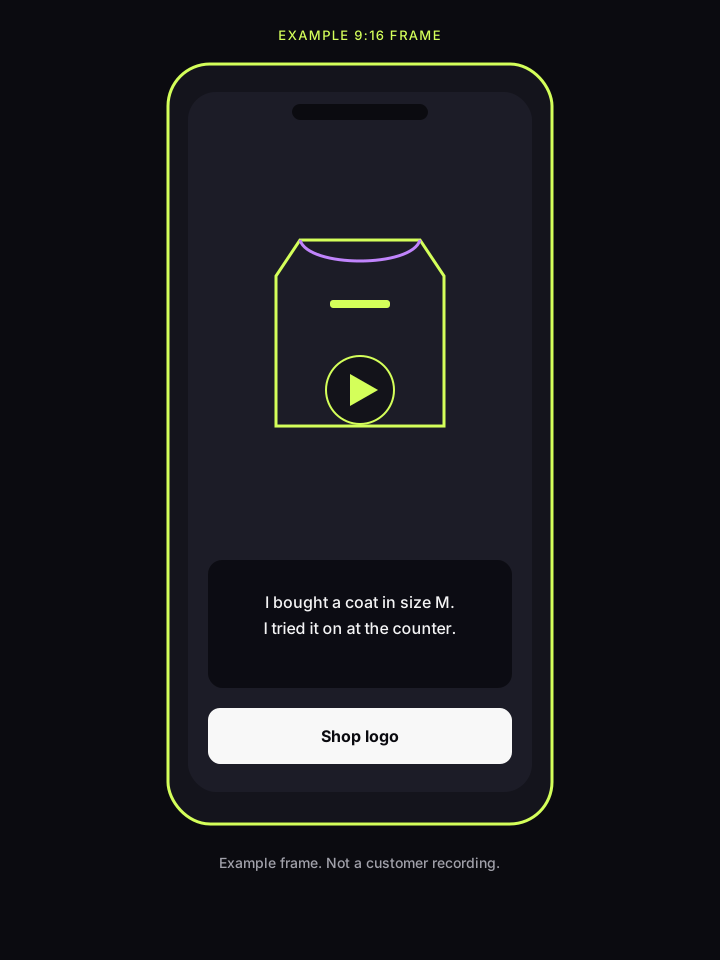
The illustration shows a 9:16 frame, not a customer's recording. Sample captions: “I bought a coat in size M” and “I tried it on at the counter”. The bottom card has room for the shop logo. A real file comes after the recording, the edit, and approval.
Questions from local shops
Do I need an online shop?
No. A QR code at the counter and a card in the bag are enough. WooCommerce, Shopify, or Shoper add an email after an online order if you sell that way as well.
Does the customer have to record at the counter?
No. The link works later on the phone. The recording fits in 15–60 seconds, usually about 20. They can also upload an MP4 or MOV. There is no Zaply app.
What code can the till actually apply?
A short code staff can enter on the next bill, such as 10% or a fixed amount above a threshold you set. The code pays for the licence and is still due if you do not publish the video.
Can I run the video as a neighbourhood ad?
Yes, when the customer chose the scope that includes ads and you approve the recording. Social-only consent keeps Reels and excludes a paid campaign. You upload the Maps file yourself.