
Use case
Ad creatives from hotel guests
After the stay a guest records the room, breakfast, or the journey in, and can receive a code for the next night. The invite goes to the guests you send it to, not to people picked by how the stay was rated. The video stays in the dashboard until you approve it.
A QR code at checkout, or an email the next morning
At checkout, reception shows a QR code if the guest has two minutes. Otherwise the email goes out the next morning, one request per stay. Do not send the link on arrival day.
Zaply does not connect to Booking.com or the front-desk system. You paste the recording address into the email the hotel already sends after the stay, or you print it on the card returned with the keys.
Do not ask for other guests' room numbers, identity-document data, a card number, or a description of the people the guest travelled with. The recording is about their stay: the room, breakfast, the journey in, the length of the booking.
This is reception at Dom Nad Wodą. Yesterday's checkout is closed. If you want, record about 20 seconds about the stay: https://zaply.me/r/dom-nad-woda. The code for the next night pays for a licence to the recording. It is still due if we do not publish the video.
Three prompts after the stay
In the profile you tick up to three prompts from the catalog. For a stay they should ask about the room, the length of the visit, and one concrete thing the guest saw. Do not ask whether they recommend the property, what they liked most, or why they chose this address. Do not ask them to introduce themselves or to name the city they came from.
A request not to share sensitive data stays on the screen and cannot be turned off. The lines below show the direction. The guest's phone shows the catalog text, not a script from reception.
- Say how long you stayed and which room you had.
- Describe the room, breakfast, or the journey in: what you saw and what happened.
- Add one detail from the property that you remember.
A code for the next night
A typical offer is 10% off the next stay, or a later checkout on the next booking. The code has to be enterable at reception or in the reservation system you operate by hand. You decide whether it goes out right after the recording or after you approve the video.
The discount pays for a licence to the material. It is still due when you do not put the video on the property page and when the description is not complimentary. Do not give the code only to guests who thanked you at checkout. Do not tie the code to a score on a booking site.
Property page, Reel, Maps, Booking
Place the 16:9 file on the property page, next to the room description. The 9:16 file goes to Reels, Shorts, and TikTok, including when the guest chose social only. A paid Meta ad, usually 4:5, needs consent that includes ads. You decide whether a given placement is an ad.
You update the Google Maps listing, and a booking-portal gallery if that portal accepts a video file, yourself. Zaply does not publish to Booking.com or to Maps. The file you upload is one piece of material. Do not caption it as the complete set of reviews. Dashboard approval comes first.
- The property page, 16:9, next to the room description.
- A 9:16 Reel, including under social-only consent.
- A Meta ad only with ads consent.
- Google Maps and a booking portal: the hotel uploads the file, not Zaply.
Adults, and other people's stays
The person at the camera confirms they are at least 18. You do not send the link to a child. A minor's likeness needs a guardian's consent outside this page. Do not ask for other people from the property to appear in the frame if they are not recording and have not agreed.
Any guest you send the link to can record, including critically. You have no duty to publish. You must not hide a lawful, technically adequate recording and present the selection as the full set of reviews. Before the camera there are the terms and the scope. Without them there is no file and no code.
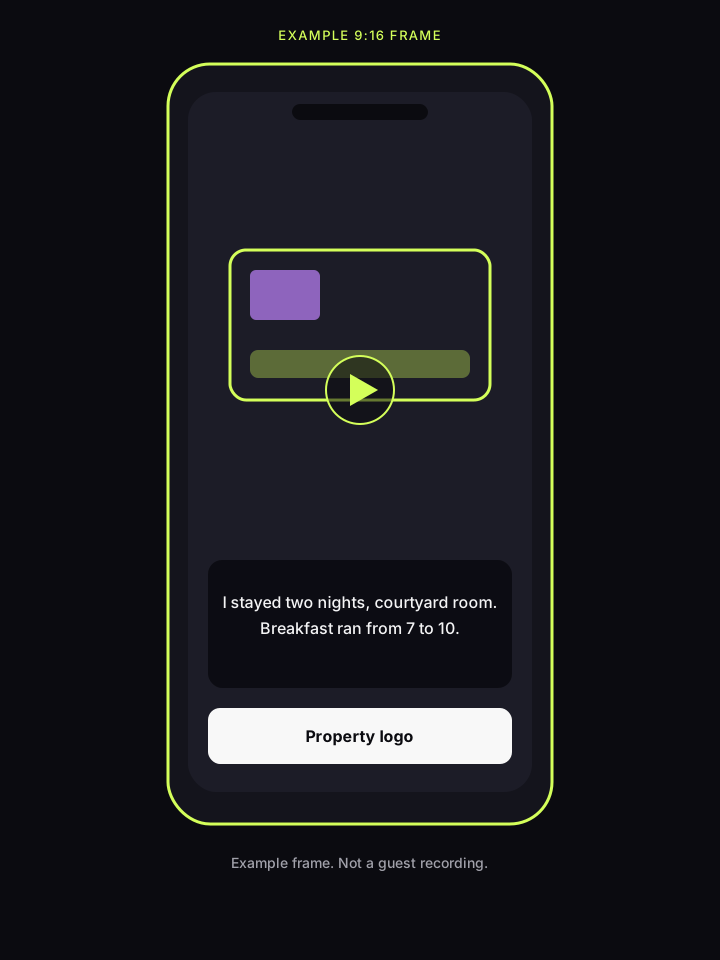
Example frame
This is an illustration, not a guest recording. Sample captions: “I stayed two nights, courtyard room” and “Breakfast ran from 7 to 10”. The card has room for the property logo. A real video comes after the recording, the edit, and approval.
Questions from properties
Does Zaply publish the video on Booking.com?
No. After approval you download the file and, if the portal accepts video, upload it yourself in the extranet. The same applies to Google Maps. Zaply has no connection to those services.
When should the email go out so it misses the stay itself?
Show the QR code at checkout. Send the email the next morning, one message per stay. Do not send the link on arrival day.
Is a later-checkout code still a licence payment?
Yes, if that is the reward you described and you can honour it on the next booking. The code is still due when you do not publish the video. It does not pay for a complimentary description.
Can a guest record a child in the room?
Do not collect that recording with this link. The page requires confirmation that an adult is recording. A child's likeness needs a guardian's consent outside this flow. Ask them to show the stay, not other people.