
Guide
Reels from customer recordings
A Reel does not need its own shoot. It comes from the clip a customer recorded on their phone after a purchase or a visit, once pauses are cut and captions are added. The same file also becomes frames for your page and for a feed. Publication starts with your approval.
.
A Reel comes from the customer's recording
A Reel does not need its own shoot with a tripod. It comes from the clip a customer recorded on their phone after a purchase or a visit, or from an MP4 or MOV file they uploaded. The source is 15 to 60 seconds, usually about 20. Editing trims pauses. What stays is the speech and the frame the customer set up.
You do not write a script for them to read. Catalog prompts ask what they bought or which service they used, how it went, and one detail they remember. They do not ask whether they recommend the business. A Reel can therefore carry a plain or critical sentence. The code still pays for the licence, not for the tone.
Where the link comes from before the Reel exists
In an online shop the email with the link goes out after the order: Shopify after fulfillment, WooCommerce after payment or the completed status, Shoper from the paid order or from order.edit. In a salon an SMS can go out from Booksy or Versum after the appointment is closed. In a restaurant the QR code is on the bill. Zaply does not connect to Booksy, Versum, or Google Maps. It connects to the shop if you have the plugin, and to the customer's browser.
Three files from one recording
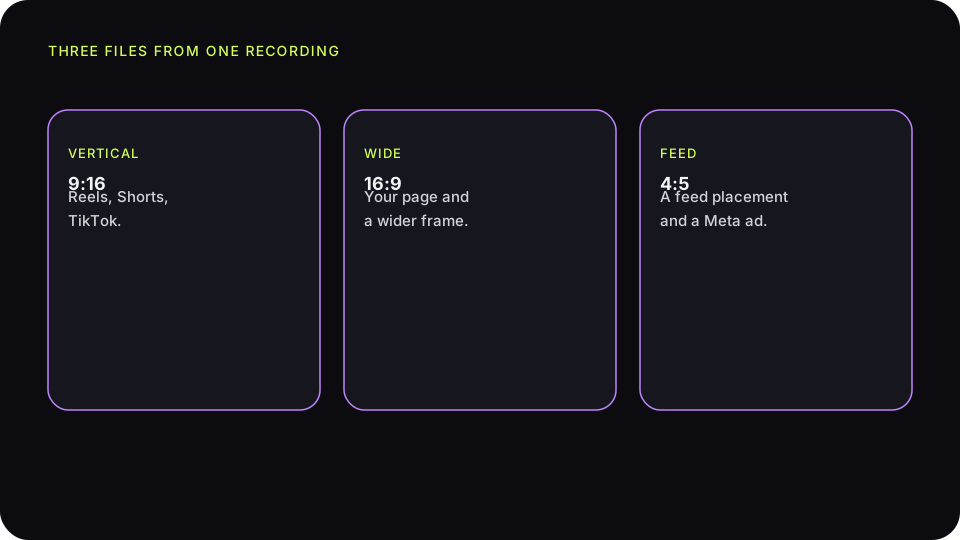
Editing returns a vertical 9:16, a wide 16:9, and a 4:5 frame. The original stays too. You do not crop those shapes by hand in another program. One generation covers this edit.
9:16
This is the file for Reels, Shorts, and TikTok. It fits both consent scopes: ads and social, and social only. Before you publish a Reel from the dashboard to Facebook or Instagram, the saved scope is shown. If it is social only, the Reel can go out and a paid set cannot.
16:9
The wider frame goes on the page: next to a menu, a price list, a room description, or the price on a product card. On a phone and on a computer it does not look like a cropped Reel squeezed into a horizontal block. It is still the same recording, not a second shoot.
4:5
This shape fits a feed placement and a Meta ad when the scope includes ads. Under social only you can keep the 4:5 file in the dashboard, or use it where you yourself decide it is not a paid campaign. When you are unsure, you do not treat it as an ad.
Captions, the logo, and the end card
Captions come from the speech in the recording. They let the Reel work without sound, which is how a feed is often watched. You do not add a sentence the customer did not say. Pauses drop out. The meaning stays, including when it is critical.
The company logo is on the video when it is in the profile. A short white card comes in at the end. When there is a logo and a company name, they appear together, as one block, not as an accident in the corner. The card does not replace the captions from the recording itself.
The optional “Advertising material” bar covers the lower part of the frame for the first 3 seconds and does not cover the end card. It is in English or in Polish, following the language of the edit. It applies to new files. It does not re-render old ones. It is on by default. You turn it off in branding if later edits should be made without it.
Approval and scope before the Reel goes out
The files wait in the dashboard. Approval is what allows that recording to be used. The consent scope still limits ads or leaves social only. A weak take, such as a product with no words, stays unused. A critical, technically adequate recording does not disappear because it is critical. You may choose not to publish it. You do not then describe the other Reels as the complete set of reviews.
Publishing to Facebook or Instagram from the dashboard is possible when the account is connected and the recording is approved. The scope is shown before you send it. A Reel on the profile under “social only” fits the consent. Promoting it with a paid campaign does not.
On Tuesday, six days after shipping, Shopify sends the email with the link. On Thursday a recording arrives about a linen pillowcase: what was in the parcel and how the fabric looks after unboxing. You approve it. 9:16 goes out on Friday as a Reel. 16:9 lands on the product card next to the price, with a note that it is one recording, not the full list of reviews. 4:5 stays put, because the customer chose social only and there is no ad from this file.
How many edits a pack holds
One generation is one edit of one recording, with three frames and the original. You start with 3 generations, and no card. A pack of 20 costs 29 EUR. A pack of 50 costs 49 EUR. That is a pack of generations, not a subscription for days in a month. Unused generations on a paid plan stay valid for 6 months from payment. The passage of time alone does not charge the next payment. When the pack runs out, recordings can still arrive, and editing waits for the next pack.
Do not buy fifty edits before you have a place to show them. One Reel a week and one file on a card use very little. The current list is on the pricing page. The numbers on this page come from that same list.
What a Reel will not do by itself
It will not appear on a Google Maps listing and it will not appear on Booking.com. You upload those files yourself, after approval. It will not turn shop stars into a single verdict. It is one piece of material. It does not promise a rise in sales. It gives you a shape, captions, and a logo you can publish without a second shoot.
A publishing week without a second shoot
Monday. Two recordings are left from the weekend's Shopify shipments. Both have captions and a logo. The first: a customer shows a pillowcase and says what was in the parcel. Scope: ads and social. The second: a customer says he ordered two sets and the parcel contained one. Scope: social only. Both codes have already gone out, because the licence does not wait for publication.
Tuesday. You approve the first recording. 9:16 goes out as a Reel. You set 4:5 aside for the ad you were already planning for this product. You upload 16:9 to the card, next to the price, with a note that it is one recording. You do not approve the second recording for an ad, because the scope does not allow it. You can still publish a Reel from it. You can also leave it in the dashboard. You do not delete it so that the card shows only takes with no remark about the quantity.
Thursday. The Meta ad receives the 4:5 file from the first recording. The ad copy does not add a sentence that is not in the video. The “Advertising material” bar is on the first 3 seconds if you did not turn it off in branding. Friday. You post the same 9:16 to a story, with no new edit. One generation covered the Reel, the card, and the ad. The second recording is still in the dashboard and is not part of a “product reviews” caption on the card.
Saturday. The card caption still has to say this is one recording. A third file, about another product, does not sit on the pillowcase. Each file stays with its own SKU. If you never edited the second recording, one generation was used. A file sitting in the dashboard does not spend a generation by itself. Sunday does not add a reminder to people who did not record. One request after shipping was enough.
That week does not need a camera operator. It needs one request after shipping, an approval that follows the scope, and a place on the page. If nobody records that week, there is no Reel. You do not draw one from a product photo and caption it as a customer recording.